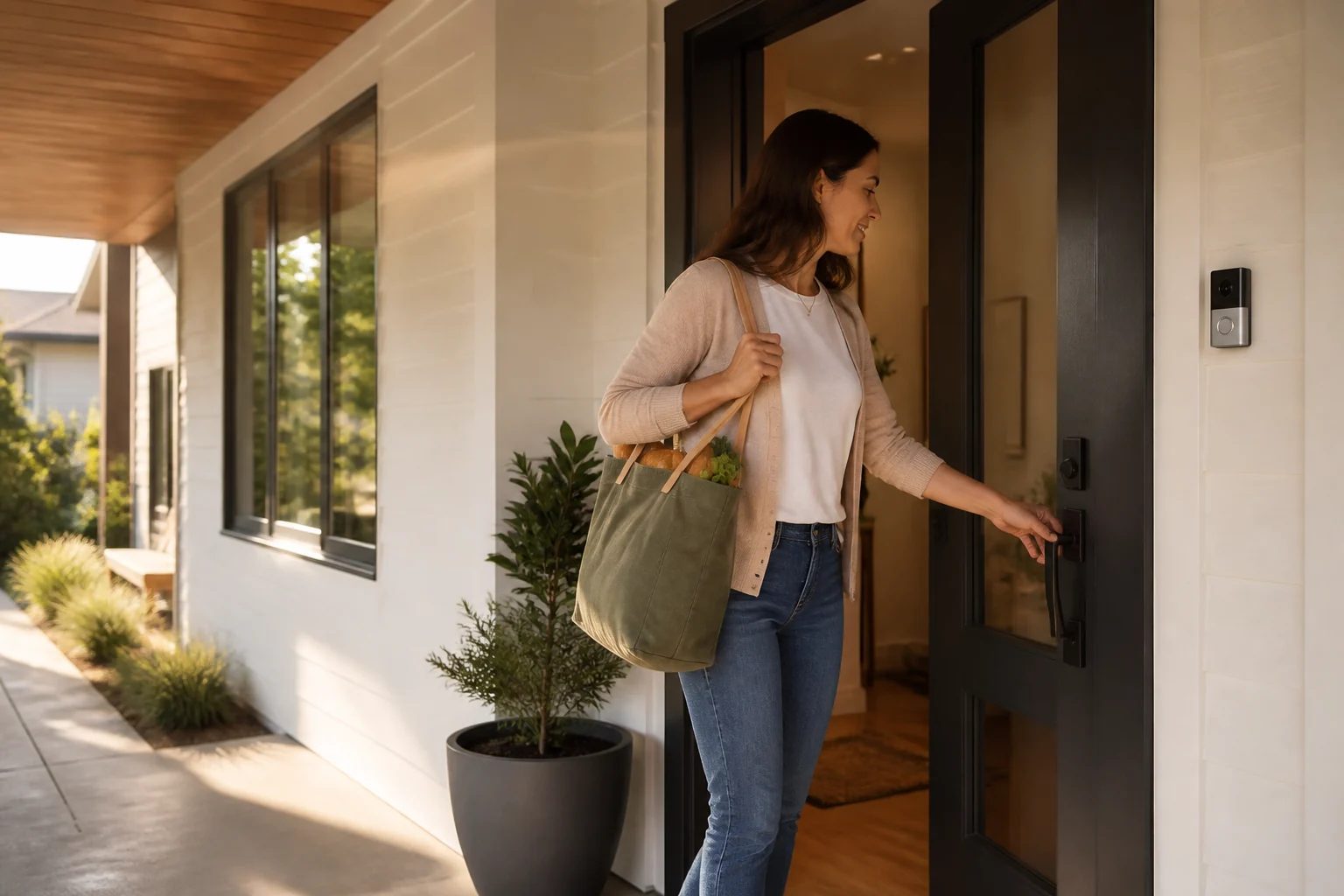
 Live
LiveFront doorMotion 2 min ago
Digital Security for your home
Bring supported cameras and smart-home devices into one simple app. Pair Digital Surveillance with Digital Defender to see what is happening and review unfamiliar device activity around home.
Connect what you already use
HomeLinQ brings supported devices from familiar smart-home ecosystems into one clear experience.
Everything in one view
HomeLinQ turns separate camera feeds, smart devices, and nearby-device activity into one calm, easy-to-scan dashboard.
Live Live
LiveDigital Security, made simple
 Front doorLive
See supported doorbell, indoor, and outdoor cameras together, with a clear view of what is happening at home.
 New device nearbyReview
Know what belongs around your home. Label trusted devices and review unfamiliar signals along your digital perimeter.
Downstairs lightsOffView supported lights, thermostats, sensors, and other devices from one dashboard.
Simple from day one
No generic equipment bundle. Your setup starts with your home, your devices, and the information you actually want to see.
We review the cameras and smart-home devices you already own, then connect the ones that fit.
Name household devices and who they belong to, so familiar and unfamiliar activity is easier to understand.
See camera views, device status, and recent activity from a single, straightforward dashboard.
Context, not conclusions
HomeLinQ compares detectable device signals with the labels you create. An unfamiliar device is something to review—not proof that a person is present or that a threat exists.
Compatibility before promises
APIs, permissions, and models change. We confirm what HomeLinQ can view or control before your setup moves forward.
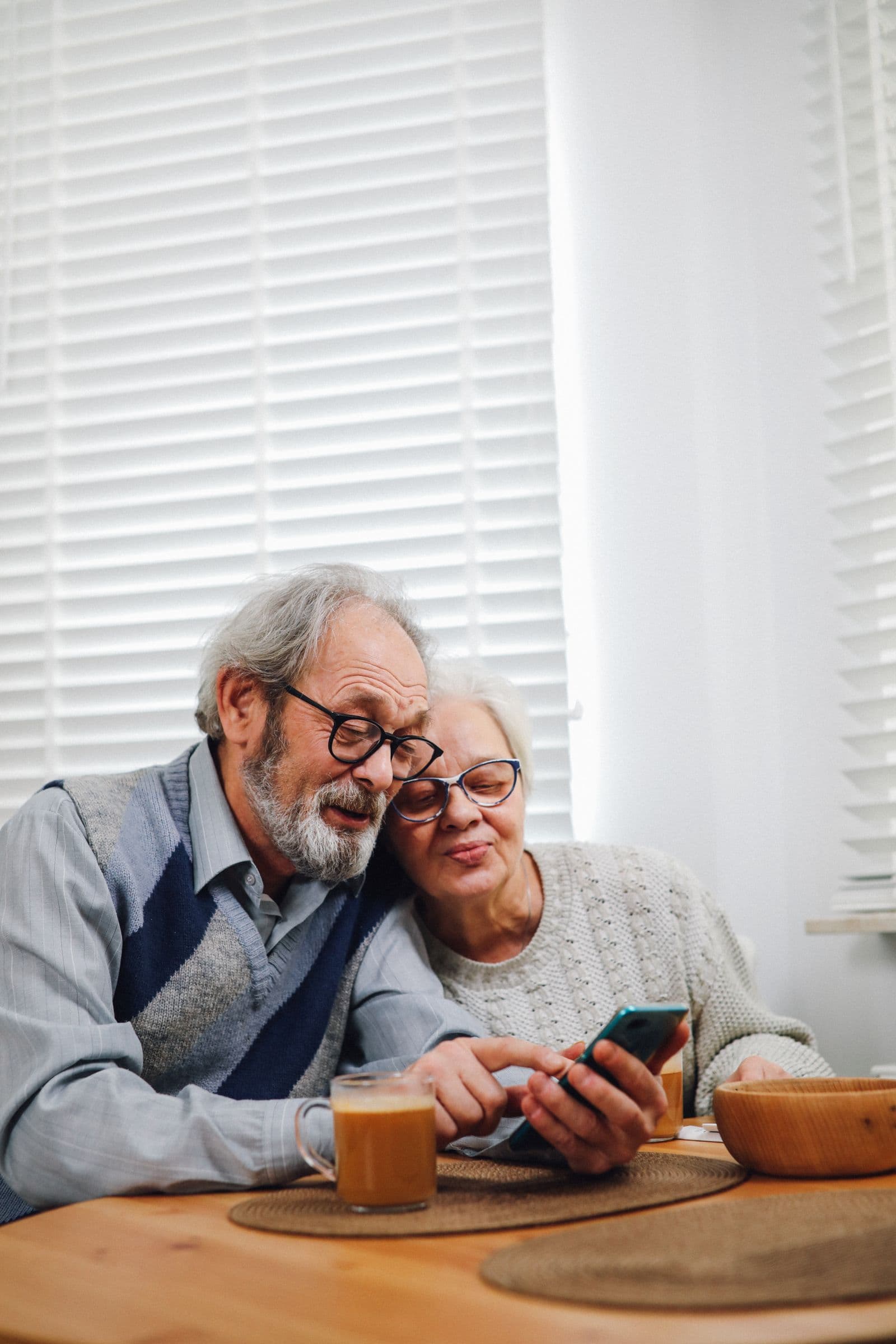
 One-press safety button
For seniors and special medical needs
For seniors living alone and people with special medical needs, finding and unlocking a phone may be difficult when help is needed. One press starts the household alert plan and notifies the family members or trusted caregivers chosen during setup.
HomeLinQ supports a household safety plan. Call 911 for immediate emergencies.
Ask about family alertsStraight answers
Every home and device mix is different. These are the details we confirm before recommending a setup.
Ask a different questionDigital Surveillance brings supported camera views together. Digital Defender helps you review unfamiliar device activity around your home. Together, they make Digital Security easier to manage from one dashboard, with available features confirmed during setup.
HomeLinQ is designed to connect supported existing cameras. Models, account permissions, and available integrations vary, so we confirm compatibility before recommending any new equipment.
It means HomeLinQ detected a device signal that did not match a label you created. It is a prompt to review—not proof that a person is present or that a threat exists.
HomeLinQ can work with select API-enabled devices and ecosystems. Support depends on the exact model, connection method, and developer access available, so we check each setup individually.
HomeLinQ can bring supported camera views, device status, and home activity into one dashboard. Available controls vary by integration and are confirmed during setup.
A HomeLinQ setup can route supported notifications to the trusted household members or caregivers you choose. The recipients and alert types are reviewed during setup.
Check your compatibility
Tell us which cameras and smart-home devices are in your home. We will confirm what HomeLinQ can connect and recommend the next practical step.